TL;DR
Use a practical virtual assistant cost calculator framework to estimate true monthly spend before hiring.
Compare self serve and managed models using workload, risk, and management capacity.
Plan your first ninety days so cost and output stay aligned.
Table of Contents
- Why most virtual assistant budgets fail
- The five input blocks in a virtual assistant cost calculator
- A practical formula you can actually use
- Example calculator for a 40 hour per week role
- The ninety day budgeting method
- Virtual assistant cost ranges to use as planning anchors
- Hidden costs that should be explicit in your model
- How to choose model by risk, not just price
- A one page calculator template you can copy
- Common calculator mistakes and how to avoid them
- How HireSava fits this calculator approach
- Final take
- Advanced scenarios for your virtual assistant cost calculator
- A practical worksheet you can use every month
- FAQ: virtual assistant cost calculator guide
- Final implementation checklist
Most teams searching for a virtual assistant cost calculator guide are trying to answer one question: how much should we budget before we hire so we do not waste time or money?
That is the right question. The mistake is that many teams still use a simple hourly estimate and call it done. In practice, total cost includes onboarding drag, management overhead, quality rework, and the speed of reaching useful output. If you skip those factors, your cost estimate can be wrong by a lot.
This guide gives you a practical calculator framework you can use right now. It is built for small and mid size teams that need real output, not just a low rate on paper.
Why most virtual assistant budgets fail
A budget usually fails for one of these reasons:
- Role scope is vague
- Weekly outputs are not defined
- Management overhead is ignored
- Quality standards are missing
- Ramp period is underestimated
When those inputs are unclear, your calculator is just a guess. The fix is simple. Treat your calculator as an operating tool, not a price lookup tool.
The five input blocks in a virtual assistant cost calculator
A strong calculator should include these five blocks.
1) Workload block
Estimate your real weekly workload by task category.
- Admin and coordination hours
- Customer support hours
- Marketing support hours
- Sales operations hours
- Reporting and cleanup hours
Do not estimate by job title only. Estimate by recurring outcomes.
2) Complexity block
Add a complexity rating for each task stream.
- Low complexity: repetitive tasks with clear instructions
- Medium complexity: tasks with judgment and tool switching
- High complexity: tasks that affect revenue, compliance, or customer trust
Complexity drives training time, quality requirements, and oversight needs.
3) Delivery model block
Choose your model before finalizing budget.
- Self serve hiring
- Managed support
- Done for you recruiting and vetting
Each model has a different cost profile and risk profile.
4) Management overhead block
This is where most calculators break.
Add time for:
- Daily check ins
- QA and feedback
- Process updates
- Tool setup
- Escalation handling
If your internal team has limited bandwidth, this cost is real and must be counted.
5) Ramp and stability block
Your first two to six weeks are usually less efficient than steady state.
Include:
- Onboarding time
- Training cycles
- Initial error correction
- Documentation creation
A calculator that ignores ramp will understate true first quarter spend.
A practical formula you can actually use
You can model total monthly cost with this structure:
Total monthly cost = Direct role cost + Management overhead cost + Ramp adjustment + Quality risk buffer
Where:
- Direct role cost = hourly or monthly engagement cost
- Management overhead cost = internal management hours x internal hourly value
- Ramp adjustment = temporary productivity discount during onboarding
- Quality risk buffer = expected rework cost for low process maturity
This is not finance theater. It is a realistic planning model.
Example calculator for a 40 hour per week role
Let us run a simple planning example.
Scenario
- Need: operations and admin support
- Workload: 40 hours per week
- Business stage: growing team with moderate process maturity
- Internal manager available: limited
Option A: self serve model
- Direct role cost: lower
- Internal management time: higher
- Ramp risk: medium to high
- Expected stability: slower at the start
Option B: managed model
- Direct role cost: higher
- Internal management time: lower
- Ramp risk: lower
- Expected stability: faster
If internal bandwidth is tight, Option B can produce better total economics despite a higher direct fee. This is the exact reason many teams choose the wrong model when they compare rate only.
The ninety day budgeting method
A calculator becomes powerful when you run it in three phases.
Days one to thirty
Focus on setup and baseline output.
- Define role scorecard
- Set tool stack access
- Establish communication cadence
- Track output and rework
Days thirty one to sixty
Focus on stability and efficiency.
- Tighten SOPs
- Reduce repetitive feedback
- Increase autonomy on repeat tasks
- Track SLA consistency
Days sixty one to ninety
Focus on expansion and leverage.
- Add adjacent tasks only after stability
- Add backup coverage where needed
- Improve dashboard and reporting quality
- Confirm ROI against baseline
If your calculator shows strong output and falling management overhead by day ninety, your model is working.
Virtual assistant cost ranges to use as planning anchors
These ranges are planning anchors, not universal rates.
Self serve offshore
- Typical hourly range: 6 to 14 USD
- Typical monthly full time range: 960 to 2,240 USD
- Best when internal management is strong
Managed offshore
- Typical monthly range: 2,000 to 4,000 USD
- Often includes sourcing, vetting, and structured support
- Best when speed and reliability matter
Onshore support
- Typical hourly range: 20 to 50 USD or more
- Typical monthly full time range: 3,200 to 8,000 USD or more
- Best for strict local constraints
Use these as baseline bands, then adjust with your calculator inputs.
Hidden costs that should be explicit in your model
Most hidden costs are predictable if you plan for them.
- Lost founder focus from excessive supervision
- Delayed execution from unclear handoffs
- Rework from weak QA loops
- Opportunity cost from slow hiring decisions
- Churn cost when role fit is poor
A strong calculator makes these visible before they become painful.
How to choose model by risk, not just price
Use this quick filter.
If your role is:
- Revenue adjacent
- Customer facing
- Time sensitive
- Compliance sensitive
Then reliability matters more than minimum hourly spend. In that case, include a stronger quality and continuity weighting in your calculator.
If your role is:
- Repeatable
- Low risk
- Process mature
- Easy to QA quickly
Then a lower direct cost model may be fine if internal management is disciplined.
A one page calculator template you can copy
Inputs
- Weekly workload hours by task stream
- Complexity level per stream
- Selected model
- Internal manager hours per week
- Ramp duration in weeks
- Expected rework percentage
Outputs
- Total monthly cost
- Cost per weekly outcome
- Time to stable output
- Net management time saved
- Ninety day ROI estimate
Decision threshold
Choose the model that gives you the highest confidence of stable outcomes by day sixty to ninety, not just the cheapest month one estimate.
Common calculator mistakes and how to avoid them
Mistake one: no scorecard
Fix: define three to five weekly outcomes before hiring.
Mistake two: no process baseline
Fix: document current workflow first so handoff is measurable.
Mistake three: optimistic ramp assumption
Fix: assume two to four weeks of partial productivity unless role is very simple.
Mistake four: no quality threshold
Fix: define acceptable error rates and turnaround times.
Mistake five: changing scope too early
Fix: keep role scope stable until baseline outputs are consistent.
How HireSava fits this calculator approach
HireSava supports both core paths:
- Self serve hiring when you want direct control
- Structured recruiting and vetting support when you need speed and reliability
That means you can start where your current bandwidth is strongest, then adjust model as your operation evolves.
A practical use case:
- Start with a focused role and clear scorecard
- Measure output for thirty days
- Decide whether to stay self serve or move to managed support
This keeps cost decisions tied to business outcomes.
Final take
A virtual assistant cost calculator guide should help you make better decisions, not just estimate price.
If you remember one thing, make it this:
Total cost is what you pay to reach reliable output, not what you pay per hour.
Build your calculator around workload, complexity, management capacity, and ramp. Then choose the model that gives you consistent delivery at the lowest total business cost over ninety days.
If you do that, your budget will be grounded, your execution will be faster, and your hiring decisions will hold up under real operating pressure.
Advanced scenarios for your virtual assistant cost calculator
Scenario A: founder led team with no operations manager
If the founder still owns most execution, management overhead usually becomes the hidden cost center. In this case, your calculator should put a higher value on management time saved. Even if the direct role cost appears higher, a model that reduces founder supervision often creates better total economics.
Practical adjustment:
- Add a management multiplier to your model when founder time is limited.
- Increase quality buffer if SOP maturity is low.
- Reduce scope in month one so outcomes stabilize faster.
Scenario B: team with clear SOPs but inconsistent throughput
If your SOPs exist but output is inconsistent, the issue is usually accountability structure or role fit. Your calculator should include a reliability factor tied to weekly SLA consistency.
Practical adjustment:
- Track missed SLA events and assign cost to each miss.
- Compare models by cost per reliable output, not cost per hour.
- Add a weekly review score so quality drift is visible early.
Scenario C: revenue critical support role
For roles tied to sales or customer renewal, slow ramp can be expensive. Your calculator should include opportunity cost, not just operating cost.
Practical adjustment:
- Model conservative revenue impact of delayed execution.
- Prioritize model with faster time to stable delivery.
- Keep role scope tight until quality is consistent.
A practical worksheet you can use every month
Use this worksheet to keep your calculator alive after hiring.
Section one: workload reality check
- Which tasks were completed as planned
- Which tasks created rework
- Which tasks should move to SOP
- Which tasks should be removed from role scope
Section two: quality and speed check
- Turnaround time trends
- Error pattern trends
- Escalation count
- Owner intervention hours
Section three: ROI check
- Hours saved for owner or team
- Net cost versus baseline
- Whether output quality improved, stayed flat, or dropped
- Whether role should scale, stay stable, or be re scoped
When this worksheet is reviewed monthly, your calculator stays accurate and decision making improves.
FAQ: virtual assistant cost calculator guide
How accurate should my first calculator be
Your first version should be directionally useful, not perfect. The target is to avoid obvious underestimation. Once the role is live, refine your model weekly for the first month and monthly after that.
Should I calculate by hourly rate or monthly budget
Use both. Hourly rate helps compare options, but monthly budget tied to outputs is what drives business decisions. A role with a higher hourly rate can still be lower total cost if it reaches stable output faster.
What is a reasonable quality buffer
A practical starting point is a modest buffer that reflects expected rework in onboarding. Increase buffer for roles with higher judgment requirements or weak internal documentation.
How do I account for timezone overlap value
If overlap affects customer response speed or team handoff quality, assign it explicit value in your model. Better overlap can reduce rework and escalation, which lowers total cost.
What if I cannot estimate management overhead
Start by tracking your own management time for two weeks. Most teams are surprised by how high this number is. Even rough tracking gives you a much better calculator than ignoring management time.
Should I include software costs in the calculator
Yes, when role output depends on paid tools. Add only the tool costs directly tied to the role. Keep this separate from fixed company wide software where possible.
How often should I update the calculator
Weekly in month one, biweekly in month two if stable, and monthly once operating rhythm is reliable.
What if performance is good but cost still feels high
Review role design first. High cost often comes from mixed scope and unclear priorities, not talent quality. Tightening scope can improve output and reduce effective cost.
Is done for you always better for small teams
Not always. Done for you is strongest when speed and consistency are priority constraints. Self serve can perform very well when the team has disciplined hiring and management systems.
What is the fastest way to improve ROI after hire
Clarify weekly outputs, improve SOP quality, and reduce context switching in the role. These changes usually produce measurable gains within two to three weeks.
Final implementation checklist
Use this checklist before final model selection:
- Outcome scorecard is complete
- Workload estimate is realistic
- Management time is included
- Ramp period is included
- Quality buffer is included
- Model decision is tied to ninety day ROI
- Review cadence is set
A calculator is only as good as the operating discipline behind it. If you use this framework and review it consistently, you will make better hiring decisions and protect your budget while still improving execution.
Explore related hiring options
Useful next pages based on this article's topic:
- Virtual Assistant role overview — hiring and onboarding guidance
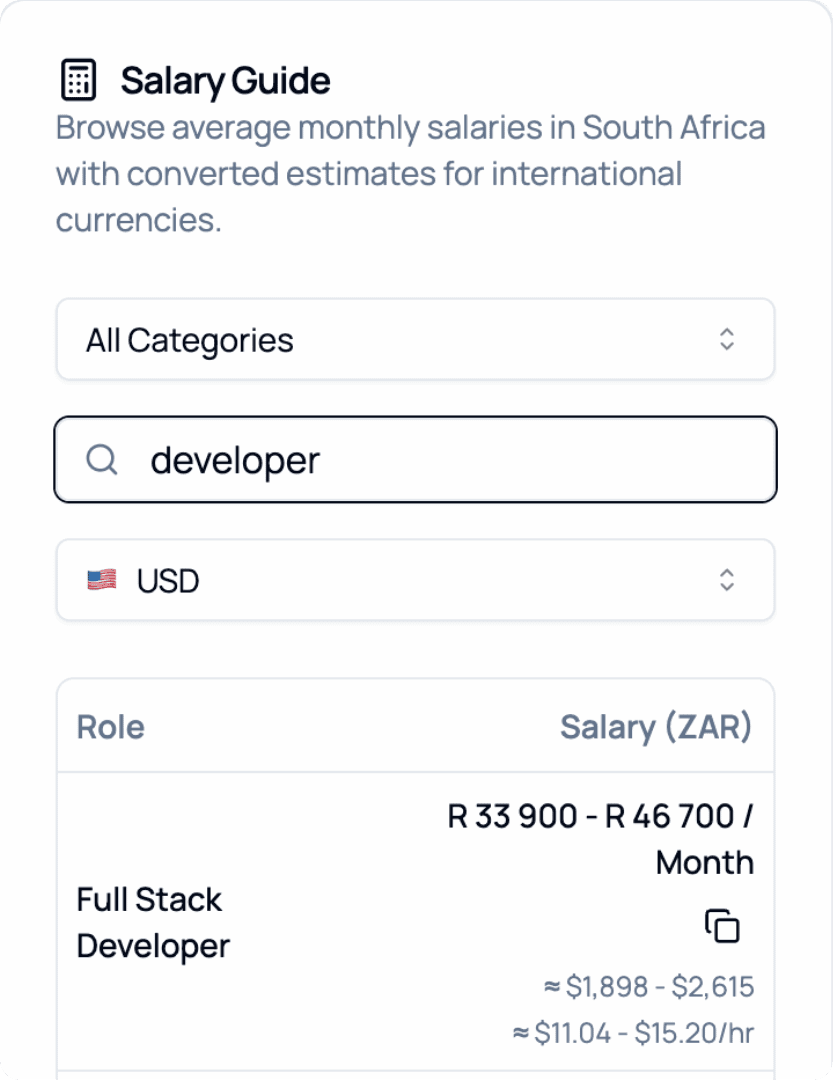
2026 Salary Guide: South Africa
Discover South African Salaries by Role. Compare costs and see how much you can save.